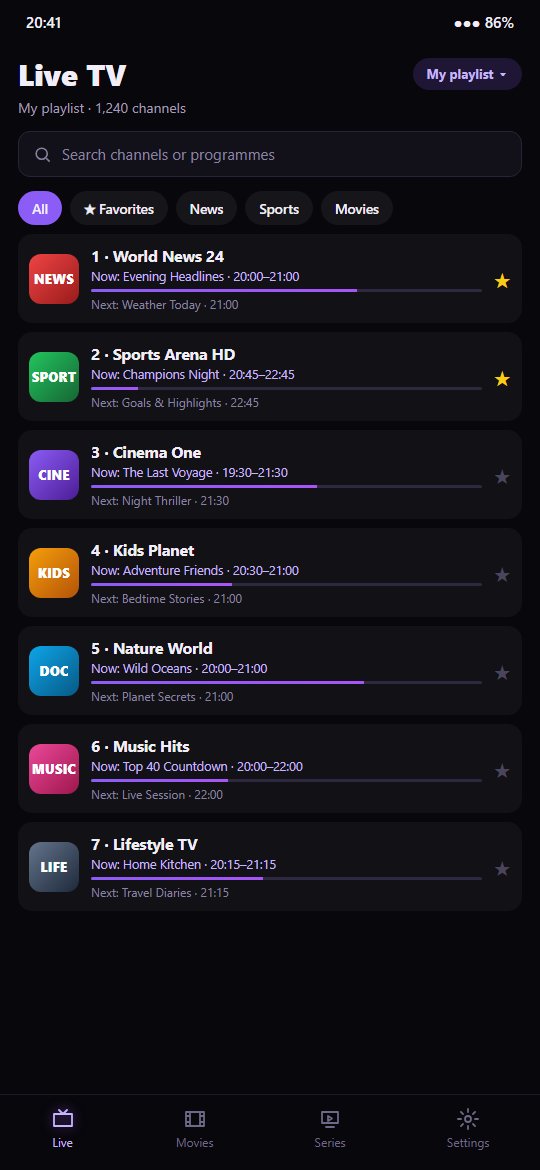

Free app to watch your own M3U and Xtream Codes playlists on your phone: live TV, movies and series. Coming soon on the App Store and Google Play.
Follow the steps below to install IPTelPro on your iPhone or Android device.
IPTelPro Player will be available for free on the App Store (iPhone) and on Google Play (Android) very soon.
Search for "IPTelPro Player" on the App Store or Google Play and tap Install.
Open the app, tap Add a playlist and enter the M3U link or the Xtream Codes details from your provider.
IPTelPro Player does not include any channels. Use only playlists you are allowed to watch.