

Your IPTV. Any Smart TV.
A fast, clean IPTV player for Android TV, Samsung, LG and VIDAA. Add your own playlist from your phone and start watching in seconds.
Available on
Everything you need to watch your own IPTV service on any Smart TV.
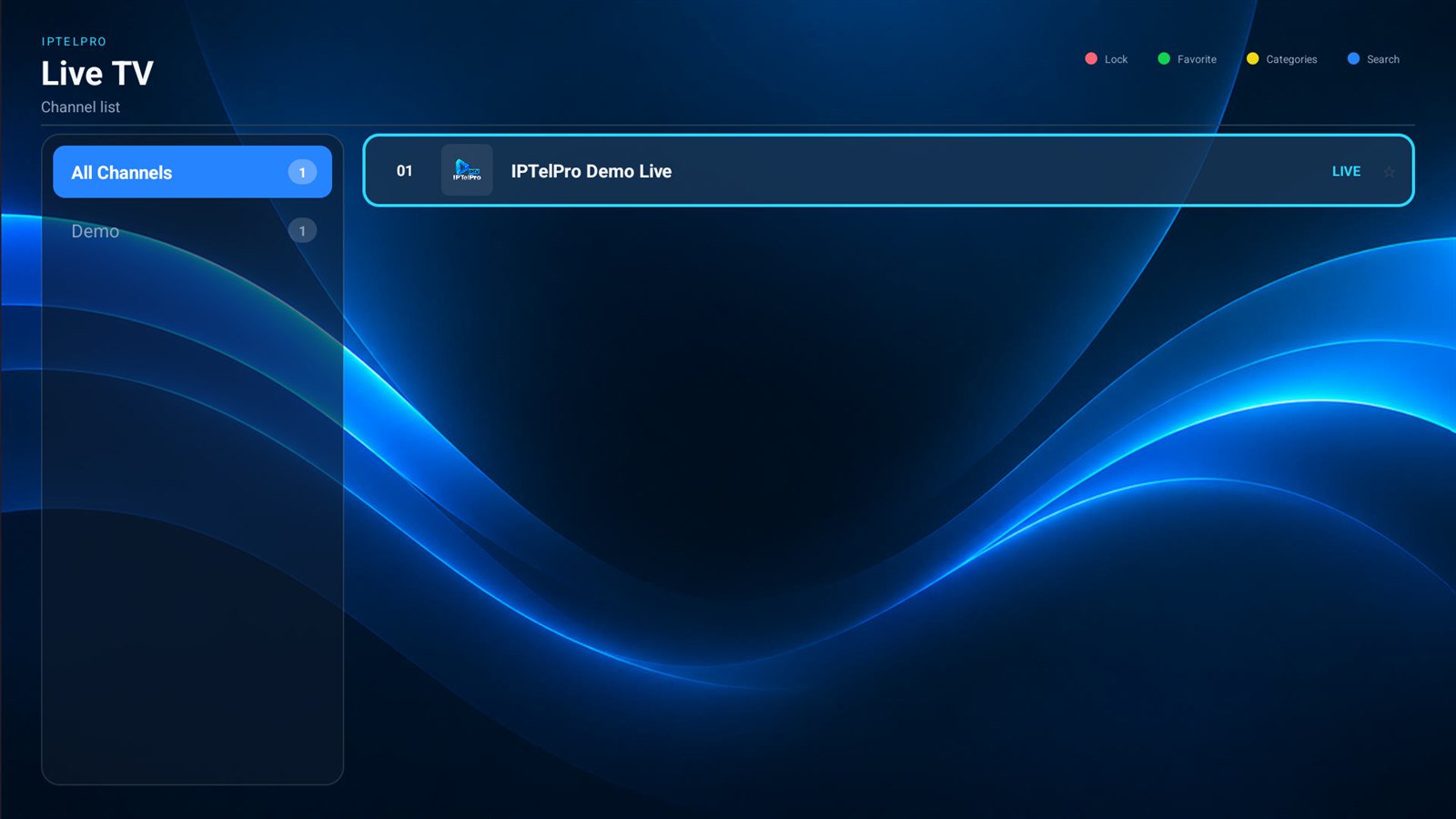
Quick channel switching and smart retry, so live TV keeps playing.
One account for Android TV, Samsung, LG and VIDAA devices.
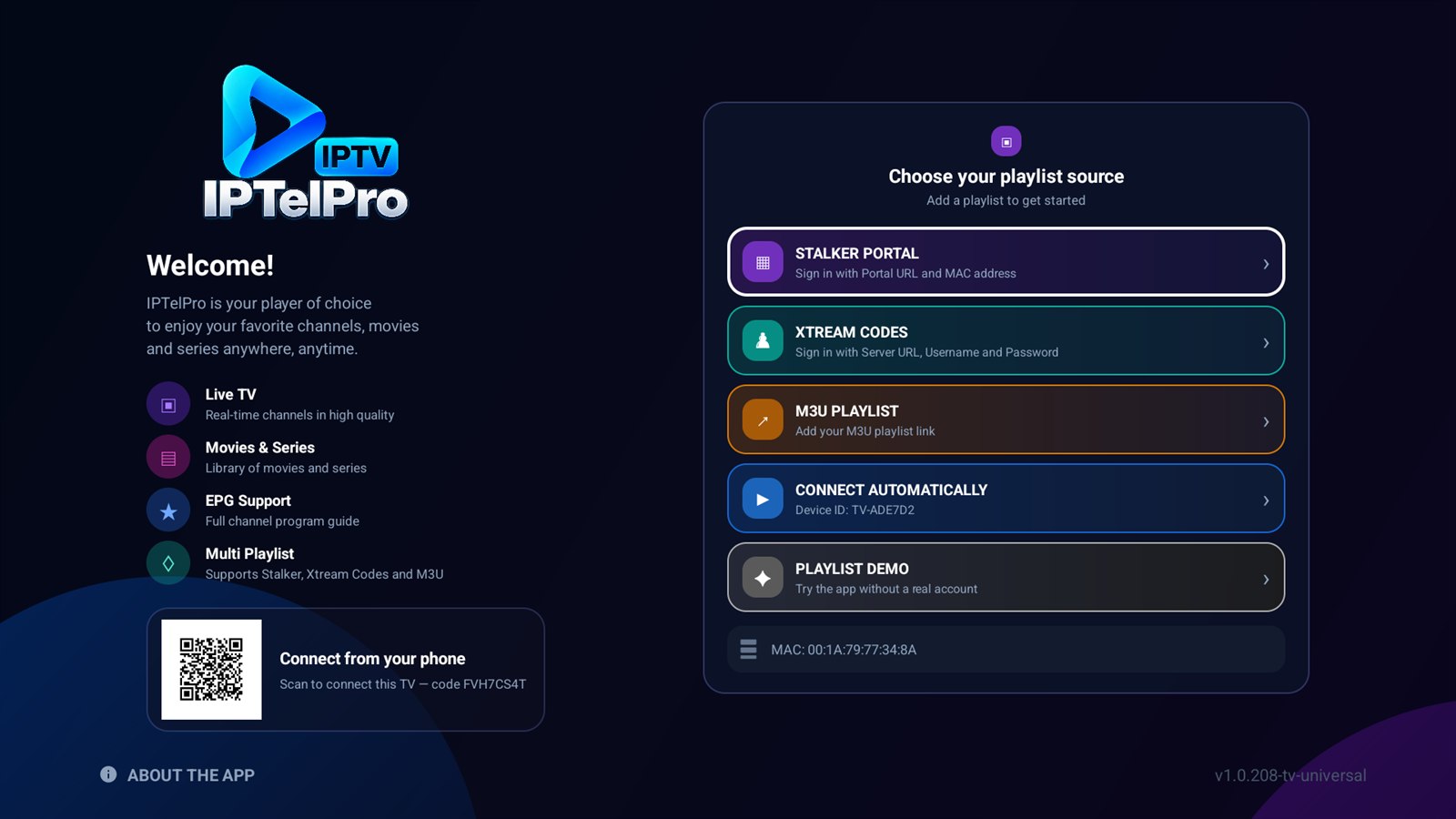
Works with Xtream Codes, M3U links and Stalker portals.
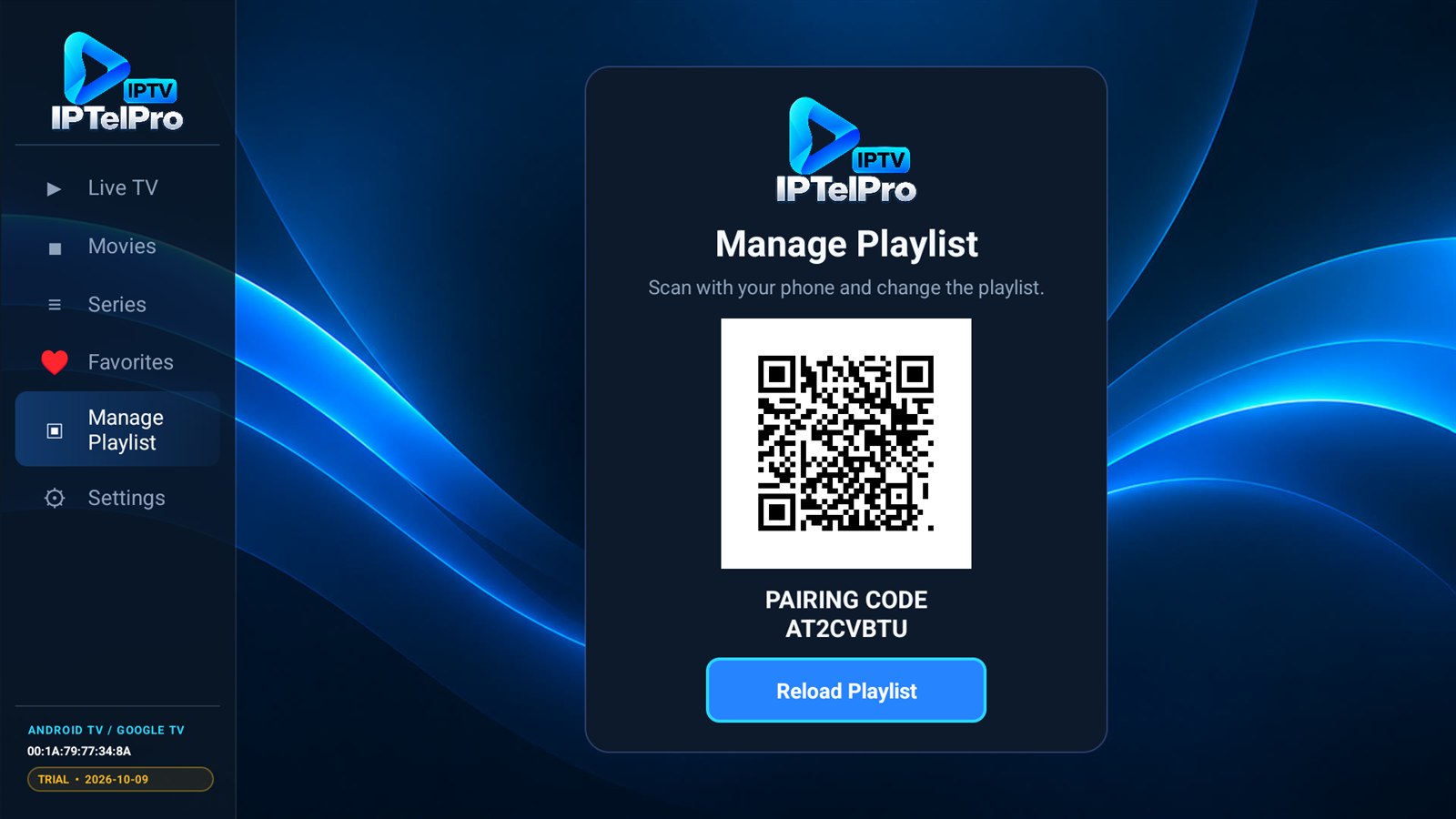
No typing with the remote — scan the code and add your playlist.
Your playlist details stay in your account. Parental PIN included.
Open a ticket any time and our team will help you get set up.
No usernames or passwords typed with a remote control.
Open iptelpro.app/activate and enter the Device Code.
Add your Xtream Codes or M3U playlist — your own legal service.
Your TV picks up the configuration automatically — no restart.
IPTelPro is a media player and does not provide, sell, host or distribute television channels or media content. Users must provide their own legally obtained IPTV service or playlist.