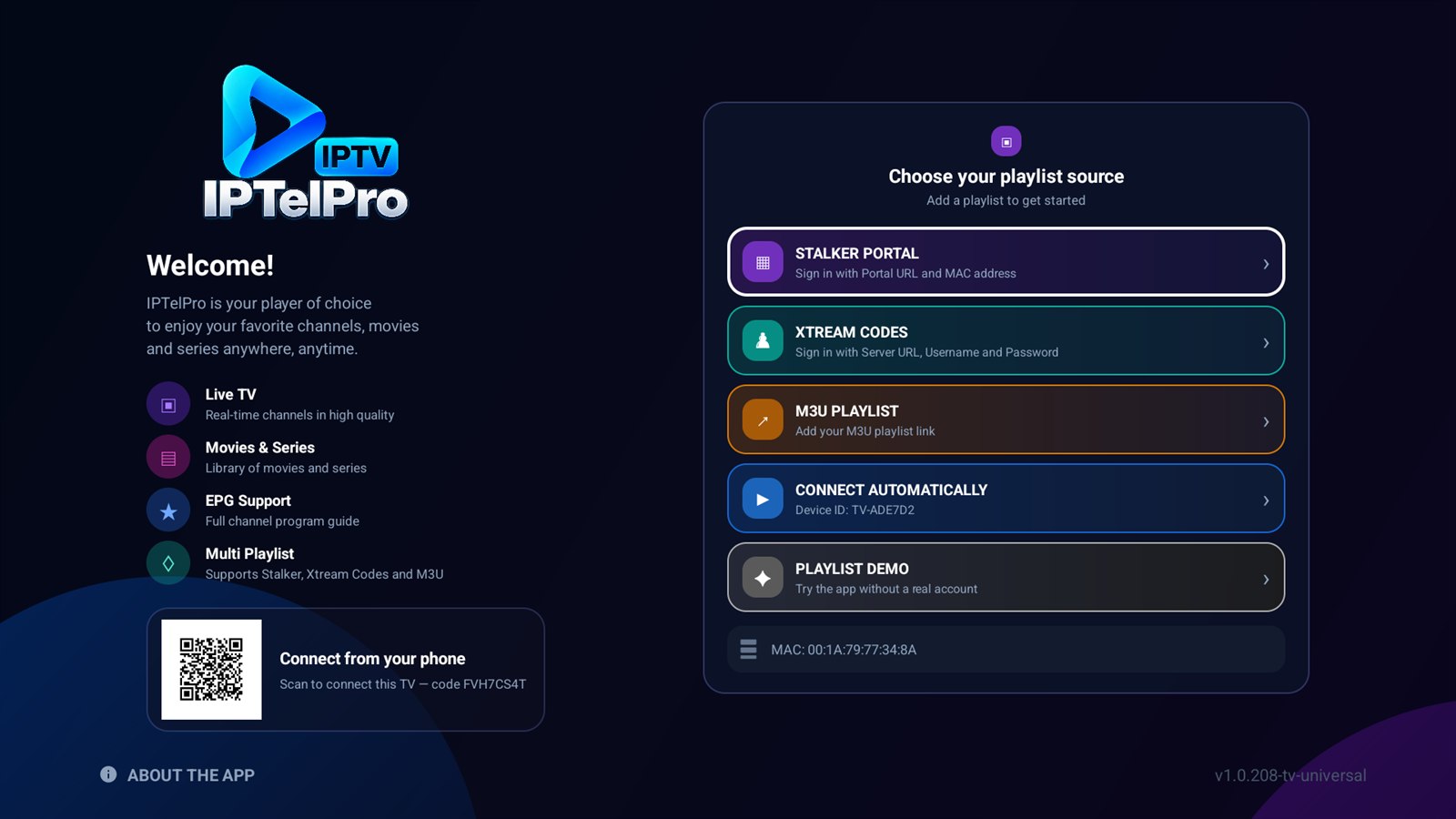

Install from Google Play or manually with an APK and USB flash drive.
The easiest way: install IPTelPro from the store on your device.
GET IT ONGoogle PlayOr install it manually with the APK:
Follow the steps below to install IPTelPro on your Android TV / Google TV device.
Download the latest IPTelPro APK to your computer and copy it to a USB flash drive.
Insert the USB drive into your Android TV or Google TV device.
Open Settings → Apps → Special app access (or Security & restrictions) → Install unknown apps, then allow your file manager.
Open the USB in a file manager, select iptelpro-TV.apk and choose Install.
Launch IPTelPro and use the displayed device code on the activation page.
Keep Google Play Protect enabled. Only download the APK from the official IPTelPro website.